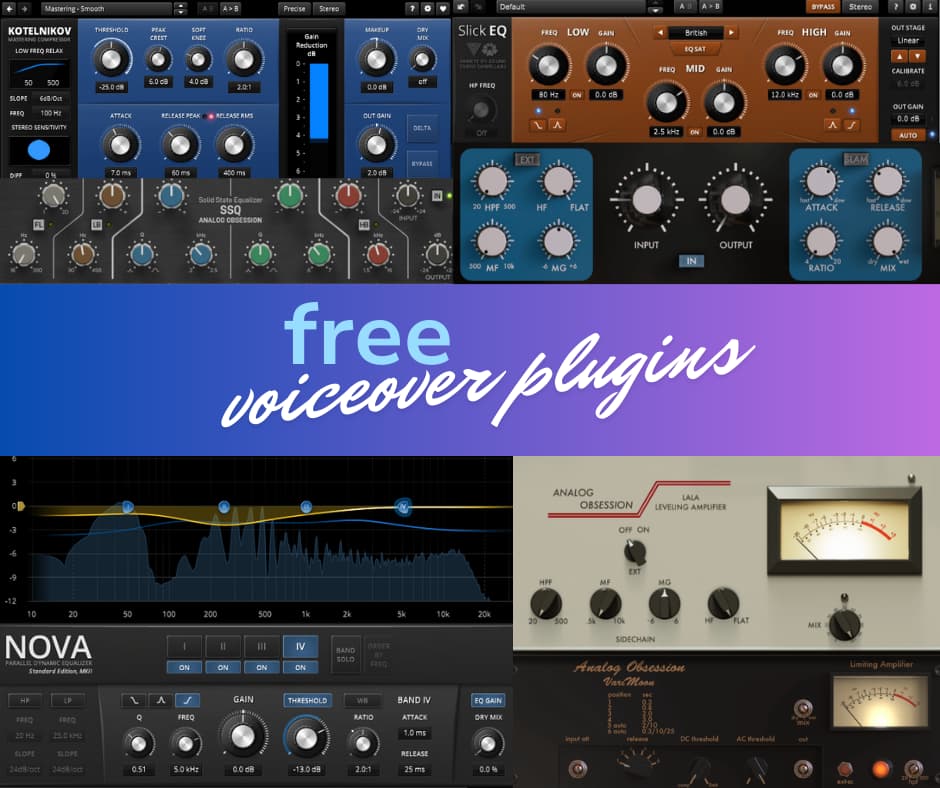
Voiceovers Using Free Plugins
It’s always good to know how to mix and master voiceovers using free plugins. Whether they come with your DAW or from third party developers, if you can make it work with those plugins, then you can get great results with any other tools. And honestly, free plugins these days are really good. If you use each in an FX chain to taste, you wind up with a tasty final mix. It’s like being a chef pulling together a gourmet meal from basic grocery store ingredients.
Now that Native Instruments are in preliminary insolvency proceedings, voice over studios and recordists that use plugins from their subsidiaries iZotope and Plugin Alliance may be concerned. But fear not! Let’s walk down the FX Chain of voiceovers using free plugins.
1. The “Clean-Up” Phase (Restoration)
Before adding any processing to shape the sound, engineers might strip away imperfections that later steps would amplify. Unfortunately, this is the one step where iZotope and other paid plugins are the best answer. Nevertheless, Audacity has a free De-Click plugin that works well with similar controls to the iZotope De-Click. Selective EQ and cross fades usually work if the click is not in the middle of a word (like a sinus click “N” or a terrible “T”). A brief aggressive Low Cut Filter on a selective plosive region will also do the trick. Things to consider:
- Mouth De-Clicking: Using surgical tools (like iZotope RX) to remove saliva “ticks” and mouth lip-smacks that the human ear finds distracting.
- Plosive Removal: Attenuating “P” and “B” pops that escaped the physical pop filter during recording.
- Spectral De-Noise: Removing subtle computer fans or AC hum without dulling the voice. Audition is renowned for this but REAPER has spectral editing also.
2. Subtractive EQ (The Chisel)
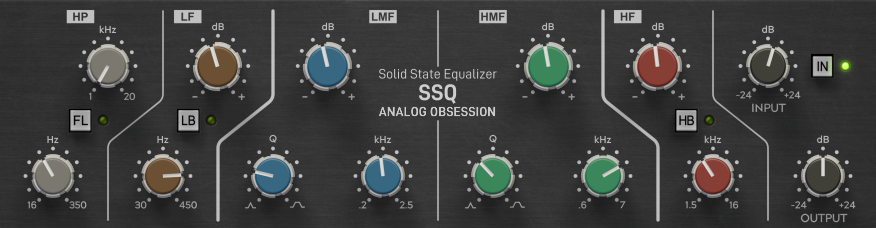
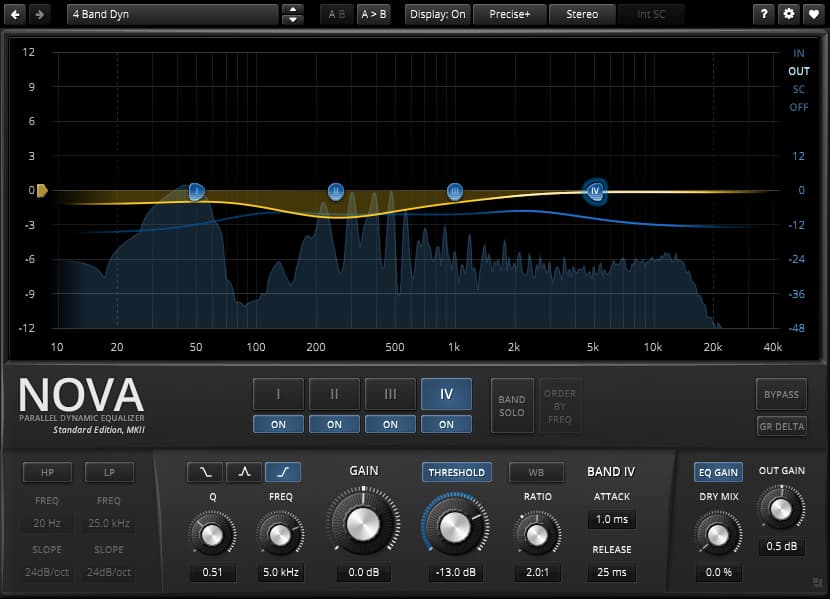
Now we can start really processing voiceovers with free plugins! Voice over EQ works best in two stages. The first is Subtractive EQ which attenuates what sticks out too much, whether it’s boxiness, muddiness, or harshness. I mostly use the free plugin TDR Nova (a great dynamic EQ) and SSQ (a clone of SSL EQ) to do this stage:
- High-Pass Filter (HPF): A cut below 70 Hz–100 Hz to remove low-end rumble and “mud” that isn’t part of the human voice. Go with 70 Hz for bassy voices and up to 100 Hz for brighter voices. I prefer to use HPFs with a gentler slope of -6 to -12 dB per octave.
- Notching Resonances: Finding “boxy” or “honky” frequencies (often in the 300Hz–600Hz range) and dipping them by -2 to -3dB to create a cleaner canvas.
3. De-Essing (Sibilance Control)
A de-esser is a frequency-specific compressor. It targets the “S,” “SH,” and “T” sounds (usually between 5kHz and 8kHz) that can be piercing, especially on headphones and earbuds. Studios often use two de-essers: one early in the chain to keep the signal tame, and one at the very end to catch any harshness introduced by airy Additive EQ. We’ll look at Additive EQ in step 5. Most De-Essers that come with DAWs work great. The JS De-Esser for REAPER is available by downloading the JS pack.
4. Serial Compression (The Secret to Consistency)
Instead of using one compressor to do all the work, pros use two or even three in a row (Serial Compression). I discuss compressors and Serial Compression for voice over in more detail here.
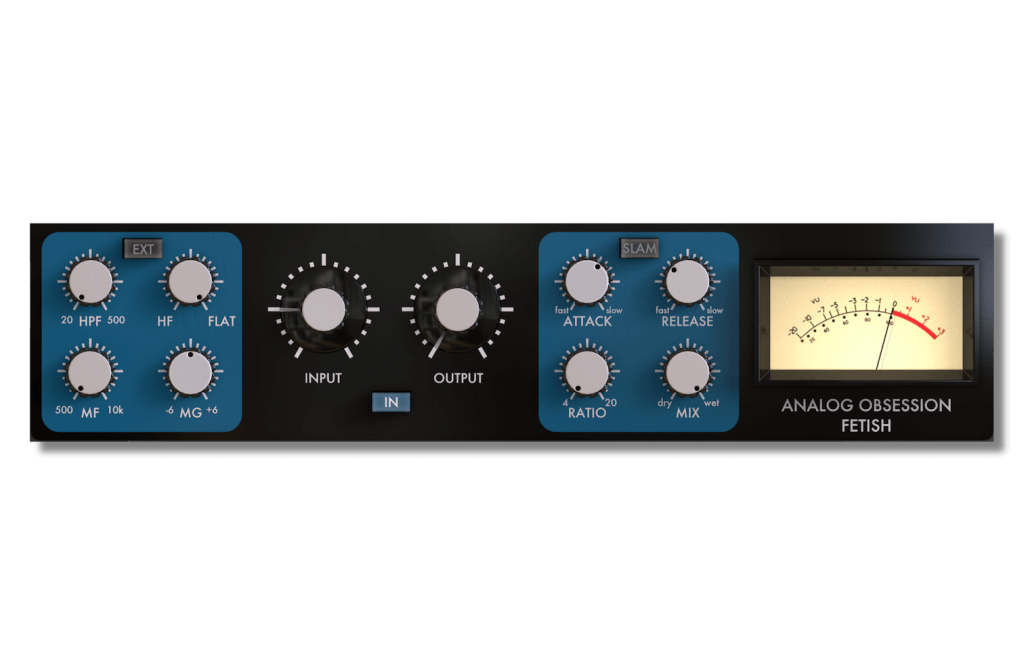
- The Peak Limiter: A fast compressor (like an 1176 style) that only catches the loudest spikes. It works quickly but stays mostly transparent. To get this for your voice over with free plugins, I recommend the FETish by Analogue Obsession, the JS 1175 for REAPER, or the nicely grabby Molotok by Tokyo Dawn Labs.
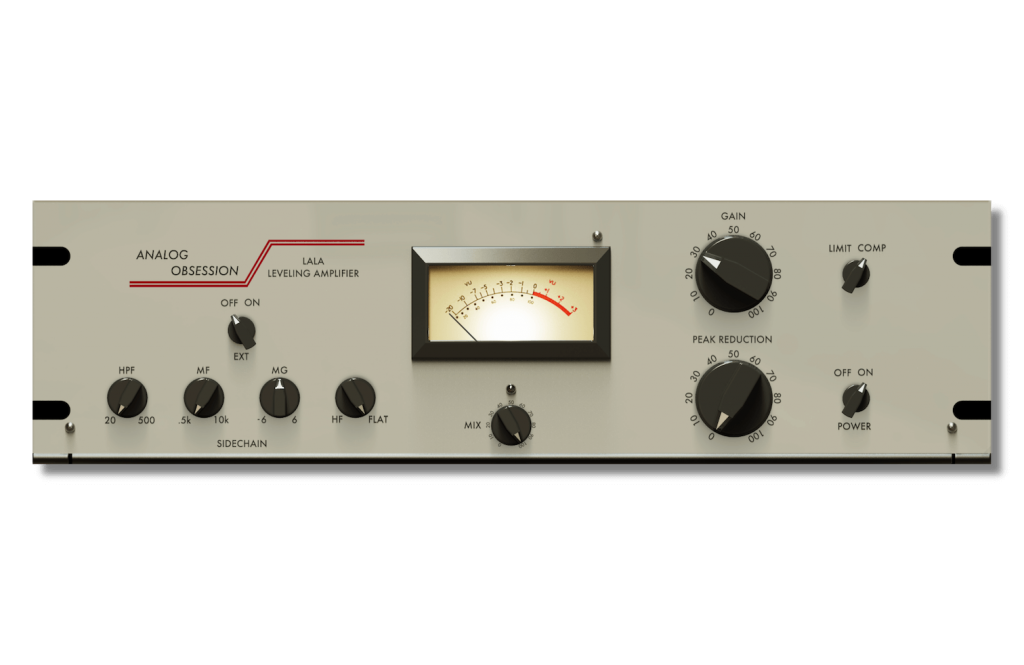
- The Leveler: A slower, “musical” compressor (like an LA-2A style or a Vari Mu) that glues the performance together, making sure the quiet words are just as audible as the loud ones. I highly recommend the LA-LA or Vari Moon by Analog Obsession. Lately, I love using the free plugin MJUCjr by Klanghelm. It’s an older plugin but there’s a reason people still use it: it’s fantastic.
- Goal: Whatever free plugins you use for serial compression at this stage, aim for total gain reduction of -3 to -6dB. This will give you a natural feel; or drive it more to taste for aggressive commercial punchiness.
5. Additive EQ and “Air” (The Polish)
Once the dynamics are controlled, engineers add back the high end polished airy sound.
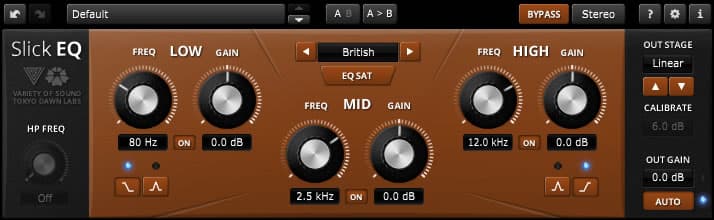
- The Presence Boost: A wide, gentle boost around 3kHz to help the voice cut through background music. Again, I’ll use EQ plugins from REAPER, Analog Obsession, or Tokyo Dawn Labs to do this.
- The Air Band: A high-shelf boost above 10kHz–12kHz. This adds “breathiness” and a high-fidelity feel often heard in luxury brand commercials. A fantastic tool to achieve this for voice over with free plugins is the Fresh Air by Slate Digital. It’s so effective that I run it at settings under 10%!
6. Final Limiting and Loudness (Follow the Standards)
Commercial VO must meet strict loudness standards (usually measured in LUFS). Check out this article for the Best Free Limiter Plugins.
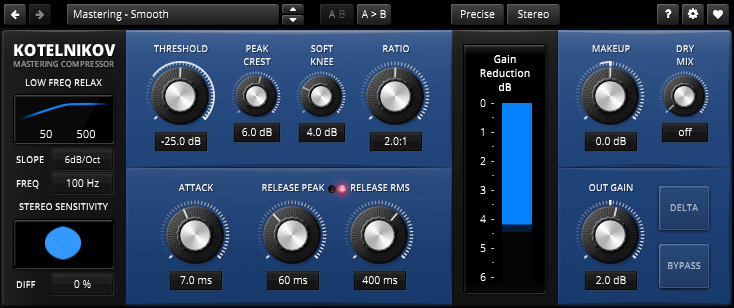
- Look-ahead Limiter: Ensures the audio never “clips” (distorts) while bringing the overall volume up to a competitive level. Again, the Analog Obsession LALA with the limiter setting works great for this, as does the TDR Kotelnikov for master channel compression.
- Level Matching: For television or radio, the final file is often matched to a specific LUFS target, such as -24 LUFS for US broadcast. California is going to enforce audio level standards for streaming services, and most streaming services have their own standards. This ensures the audio doesn’t sound quieter or louder than the surrounding content. The JS Master Limiter is excellent for this, and then your DAW can set the export levels to proper LUFS values.
You can record and mix voiceovers using free plugins! And here’s a handy tip if you use Analog Obsession plugins: click on the “Analog Obsession” name on the plugin interface. The letters will turn red. What have you done? You’ve engaged 4x Oversampling which makes the effect sound significantly better. Some paid plugins like Waves offer oversampling, but they’re such resource-hogs that you get diminishing returns.
If you have favorite or recommended free plugins for voiceovers, please comment below. Thanks!